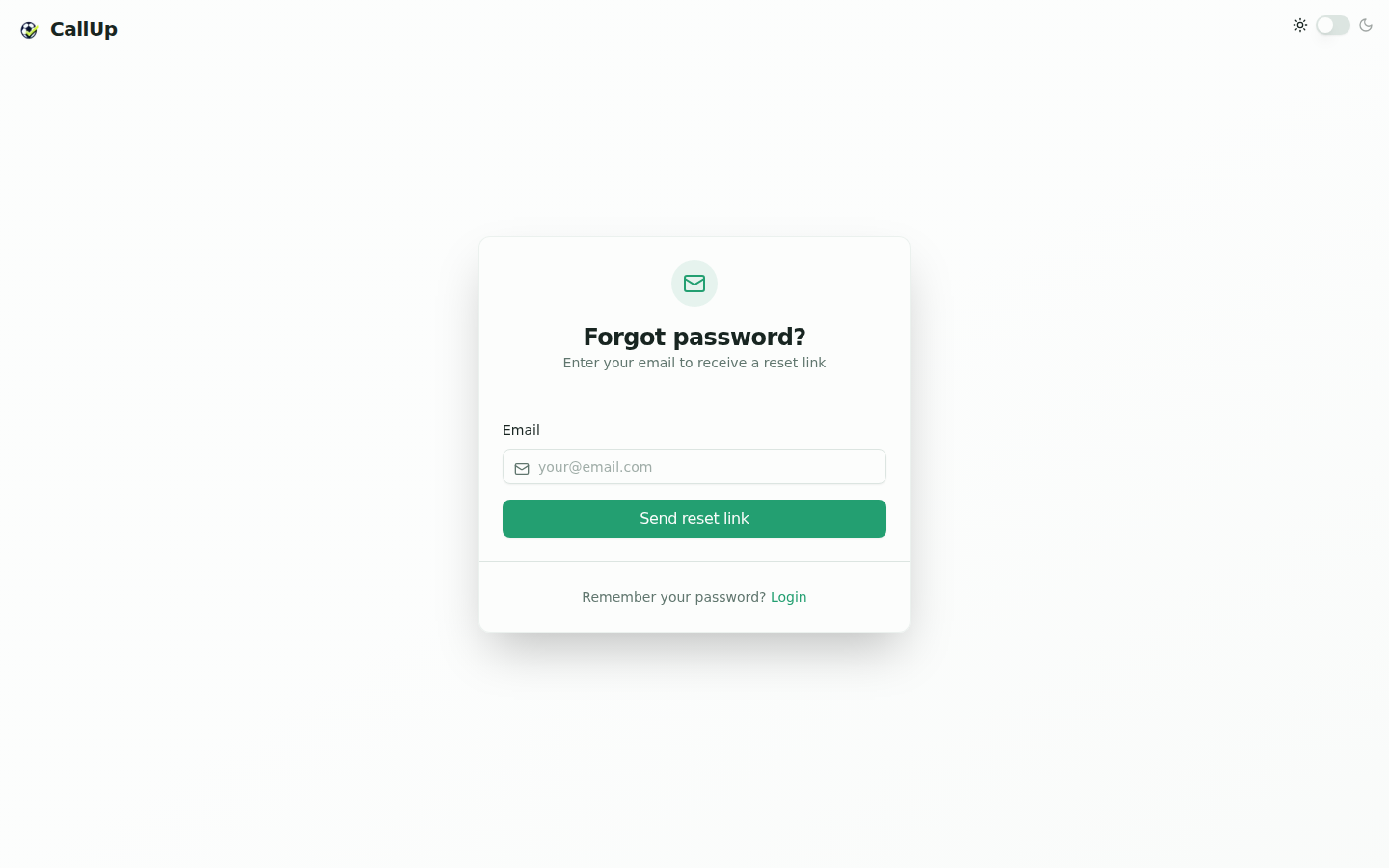
First registration
The first user of a club registers with an email address and automatically becomes the club president.
After registration, an onboarding flow opens to complete the initial setup.
:::note Beta environment On the beta environment, self-serve registration is disabled. From the login screen, click "Request a demo" and enter your first name, last name and email. Once the Wynvo team approves the request, a president account is created and a welcome email is sent. It sets out the beta terms (access planned for 2 months after the account is created, 20 members maximum) and gives a link to this documentation. If the request is rejected, you are informed by email. :::
Club setup onboarding
The onboarding flow includes two visible steps:
- Identity: find the club in the official directory (name or postcode), then choose its grounds, the first one being the main ground. Grounds are optional ("Optional, you can change it later") and are managed afterwards from the Club module. If the club is not listed, "My club isn't in the list" lets you enter its name, postcode, town and grounds; the club is then added to the directory, so other clubs can pick it as an opponent.
- Structure: select or create the member categories useful to the club.
Members are not added during onboarding: they are added afterwards from the Members module, like any other member addition, and each one receives a welcome email with their credentials.
Once these steps are completed, the user is redirected to the dashboard. On the production environment, a final step is shown before the dashboard: the "Your club is ready!" screen invites you to activate the club. The "Activate my club" button opens the Subscription page, where the president picks a plan and pays for the subscription. Until the subscription is paid, the club is locked for all its members. Outside production, the final "Everything is ready!" screen offers "Open my dashboard" or "Add your members", which opens the add-member form directly.
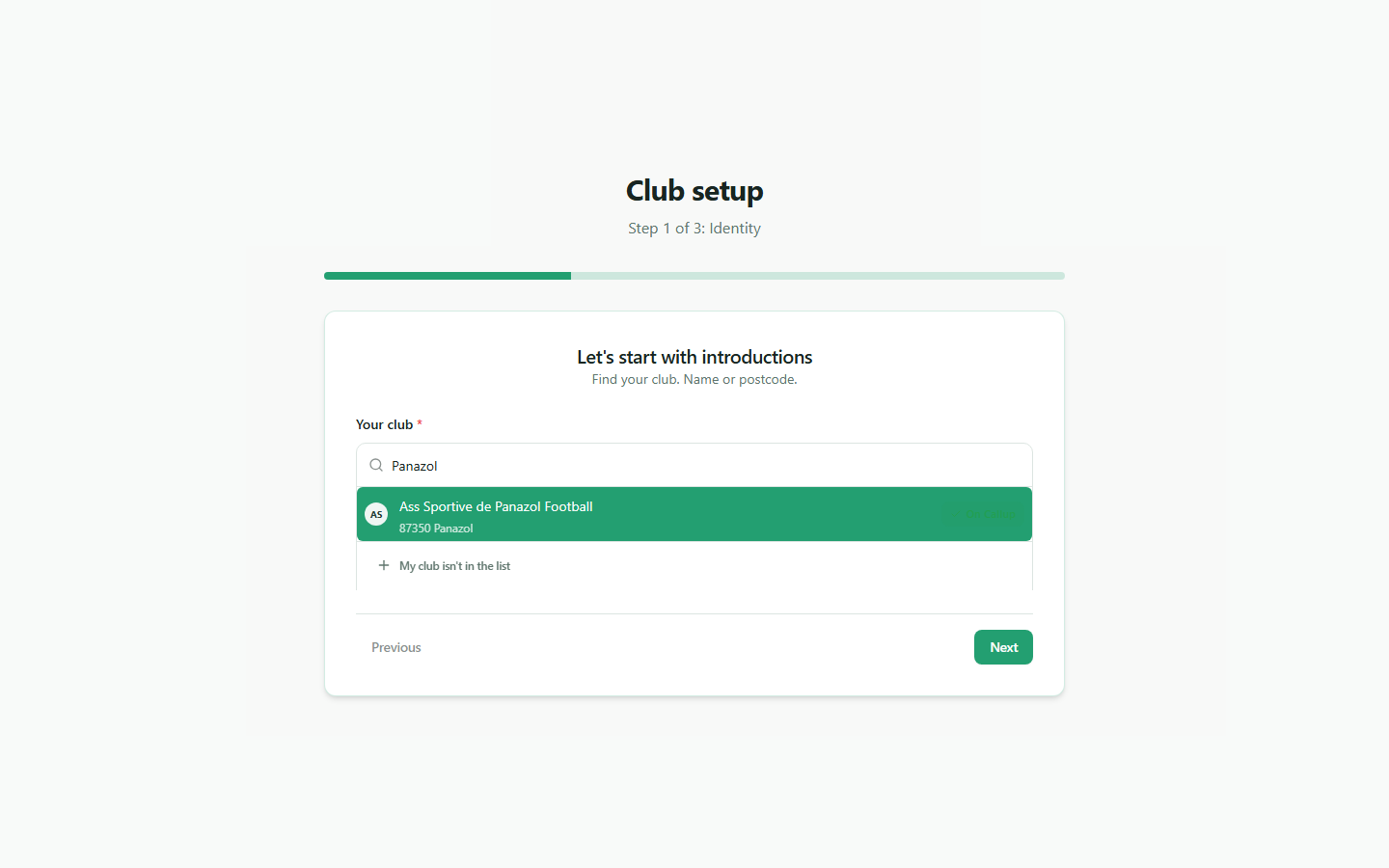
This screenshot no longer reflects the current interface and must be replaced.
Log in
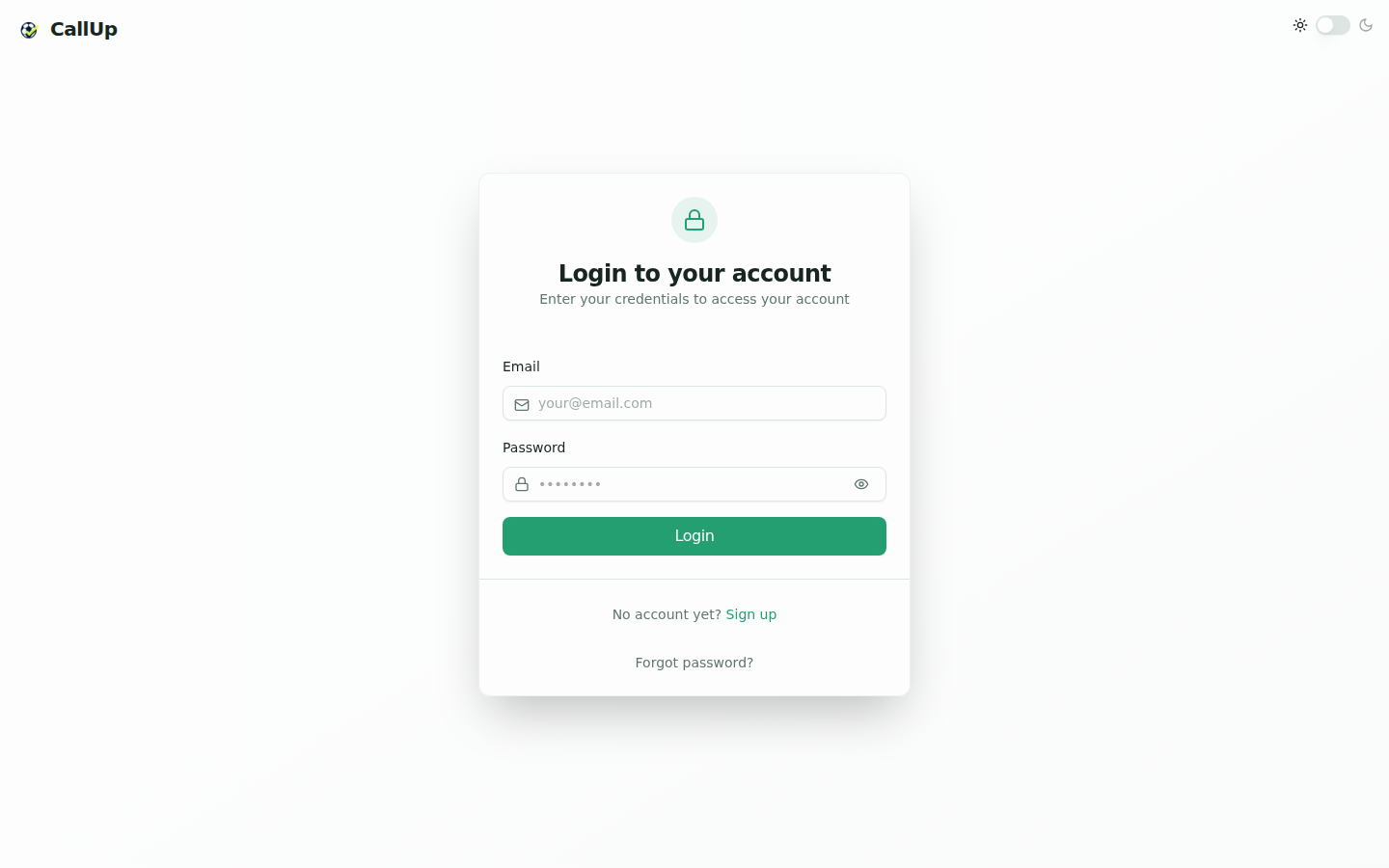
An existing user logs in with their email address and password from the login screen.
- On the production app, the screen also offers a "Sign up" link to create a new club (screenshot below).
- On the beta environment, this link is replaced by the "Request a demo" button (see the note above).
Forgot password
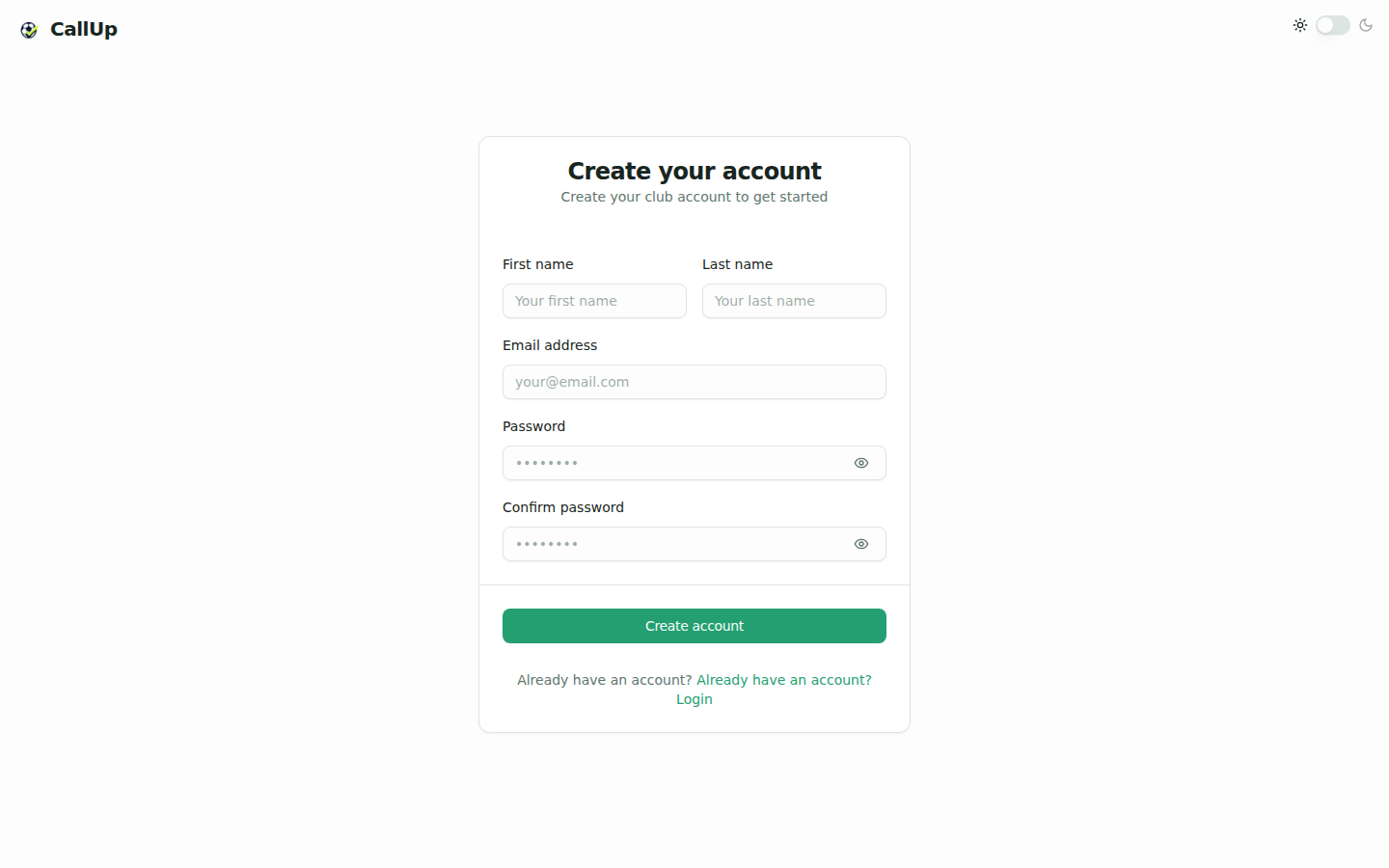
From the login screen, use the forgot password option.
- Enter your email address.
- Open the link received by email.
- Set a new password.
- Return to the login screen.