Managing your account
Every role can reach their personal settings from the avatar menu at the top right. The Settings screen has two tabs: Profile and Security.
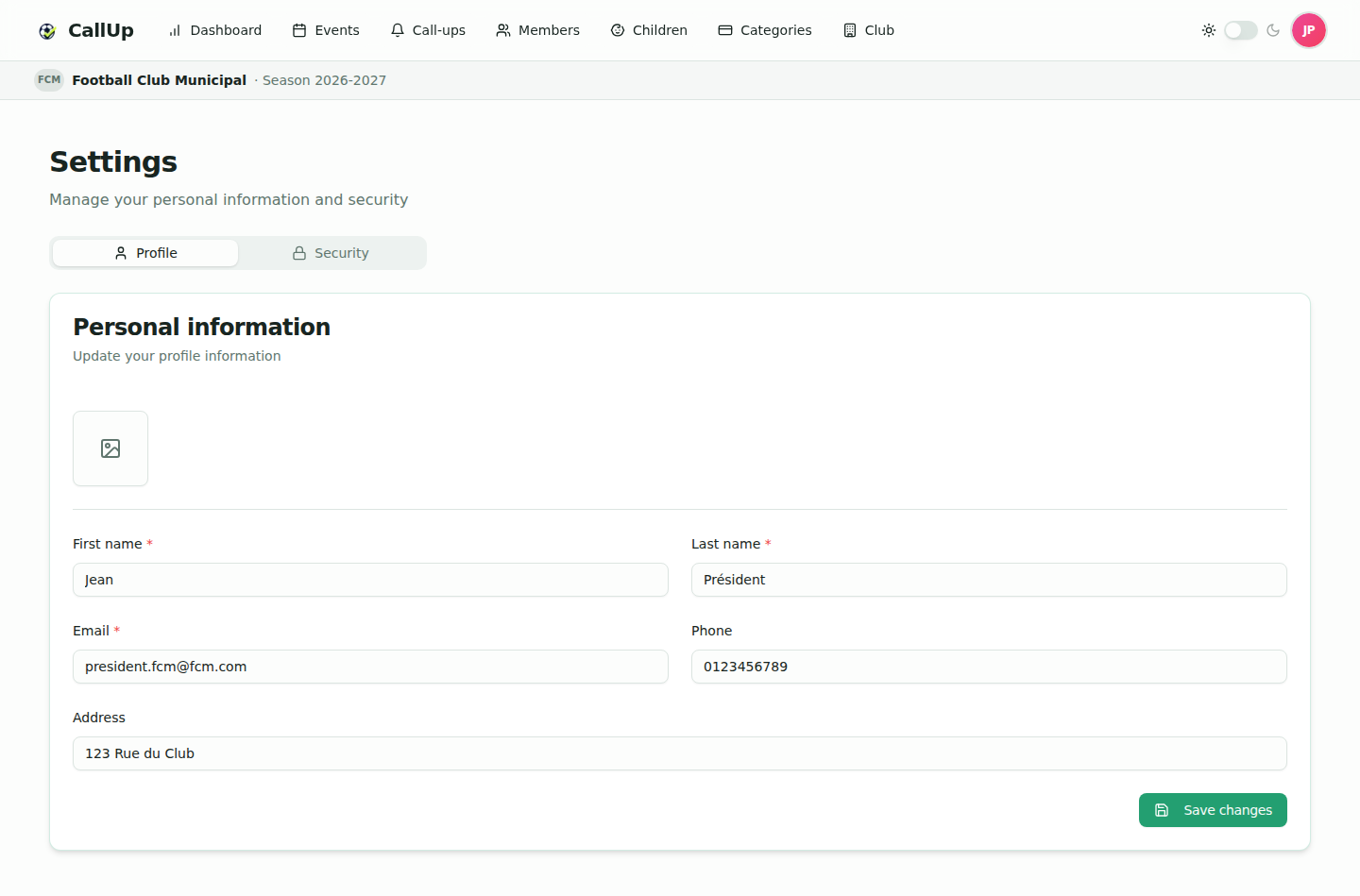
Profile
The profile photo ("Change photo" button, JPG or PNG) is saved as soon as you pick the file.
Update your other personal information, then click "Save changes":
- First name and Last name (required);
- Email (required): this is your login. Changing it changes the address to use at your next login;
- Phone and Address (optional).
Security
To change your password, open the Security tab, enter the new password (at least 8 characters), confirm it, then click "Update password".
Use a strong, unique password that you don't reuse on other sites.
If you forgot your password, use "Forgot password?" on the login screen (see First registration).
Subscription (production)
On the production environment, the president sees a "Subscription" card at the top of the Settings screen, with a "Manage subscription" button: billing cycle, extensions, payment method and invoices.
Light / dark theme
Switch the theme at any time with the sun / moon toggle in the application header.
Language
CallUp is available in French and English. The language follows your browser's language and applies to the interface and to push notifications. There is no language setting in the settings screen.
Notifications
CallUp sends push notifications (browser or installed app) for the events and call-ups that concern you. There are no email notifications for club activity: emails are only used for your account (welcome credentials, password reset, beta account request, and deactivation of a non-member parent's account once all their children have moved to a player account).
- After you log in, CallUp asks "Enable notifications?": click Enable and accept the browser prompt, or Later.
- To turn notifications off, remove the permission in your browser or phone settings. There are no notification preferences inside CallUp.
Best practices
- Keep your email up to date: it is your login.
- Enable notifications on the device you use the most.
- Log out of shared devices (avatar menu → Log out).